
Lyra
Comms
"I'll handle the messages."
Wears the cream headset
Astrocrew · AI coworkers
A crew of AI coworkers for your business, working in your team's chats. Nothing moves without your go.
How it works
Beaconize sets up your rooms and crew. Your team talks to them in the chat. You approve anything that matters.
We create your groups and individual chats, and every room gets its own crew member, set up for that room's job.
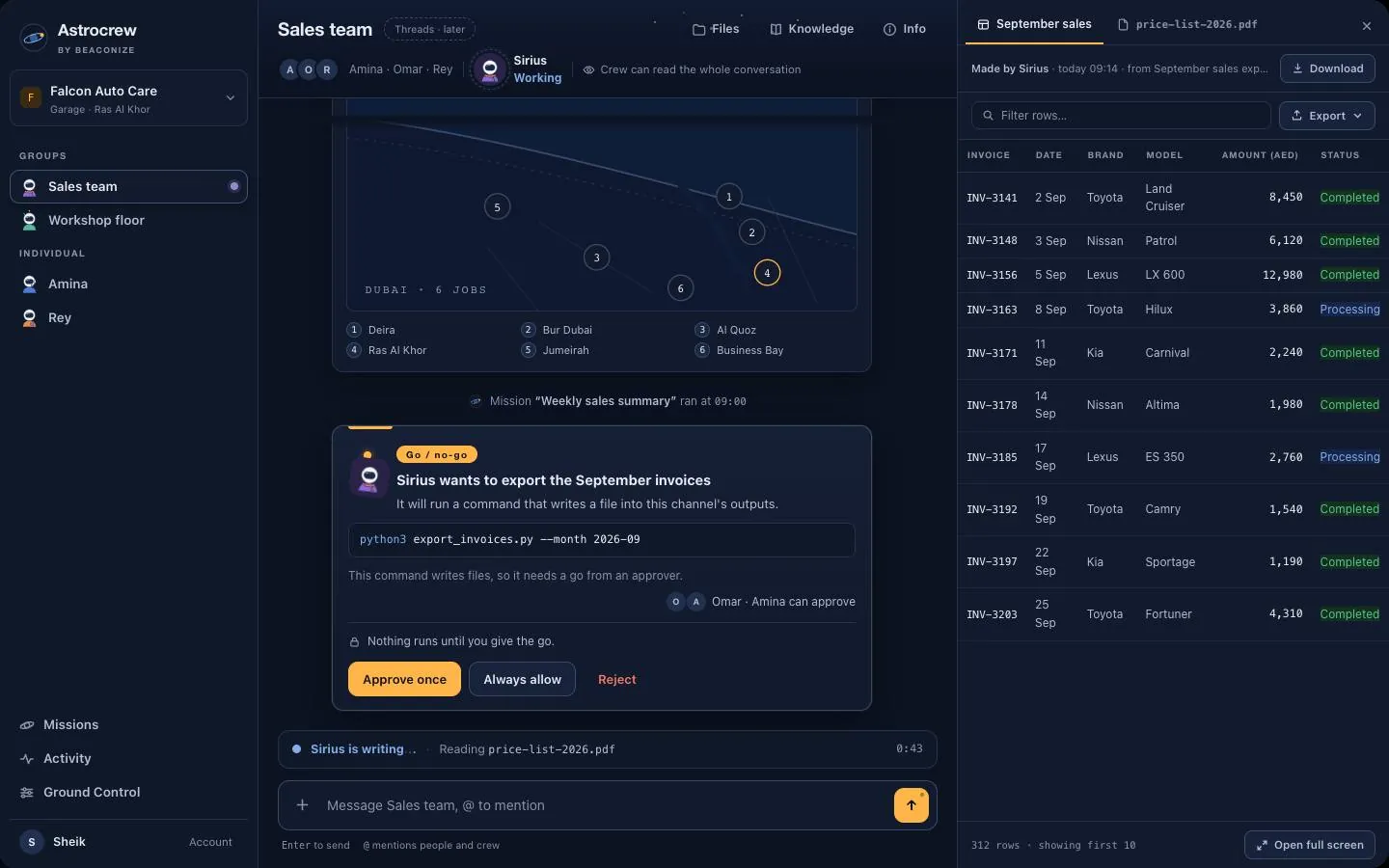
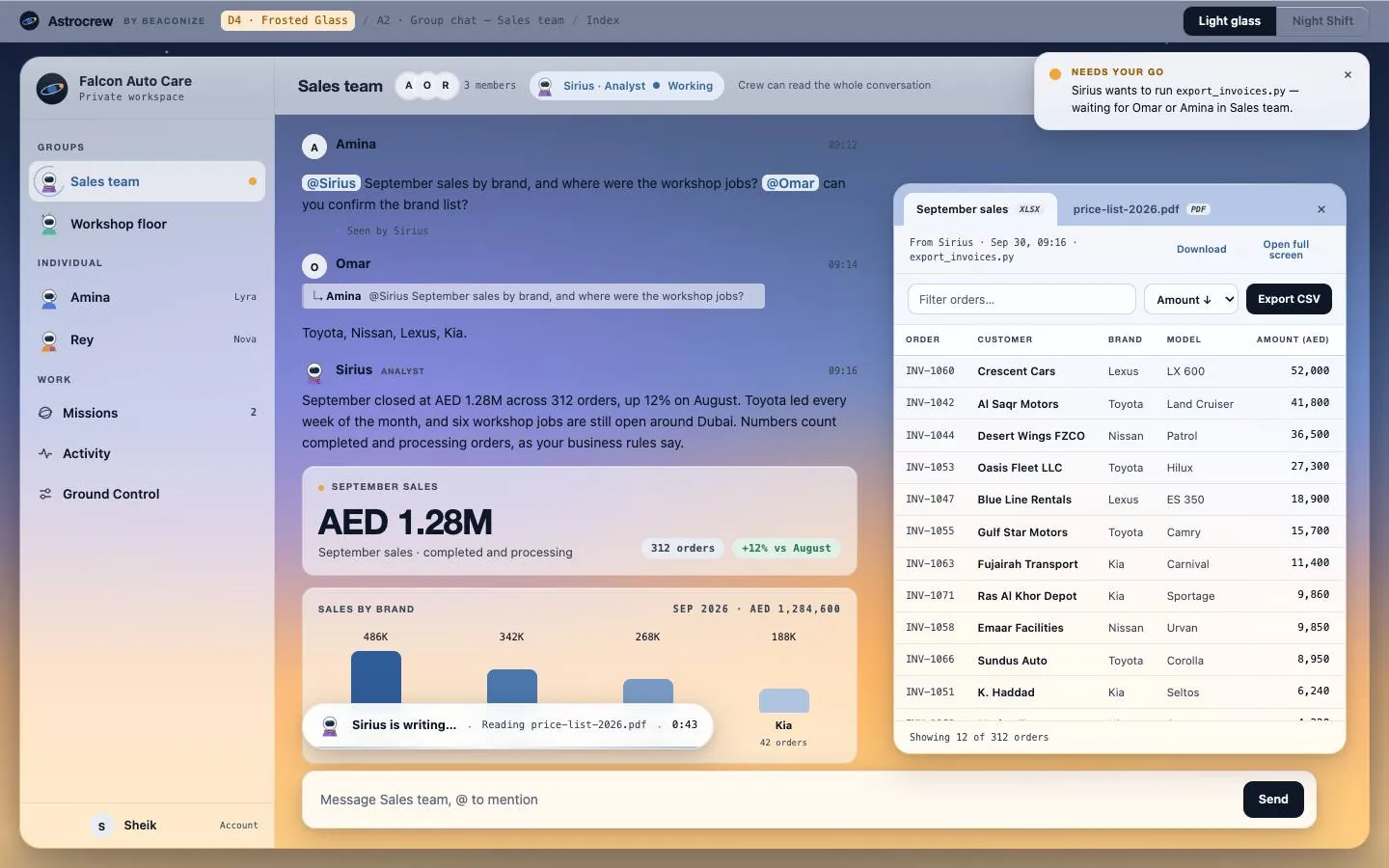
Mention the crew in a group, or chat one to one. The crew answers, and it knows who is in the room.
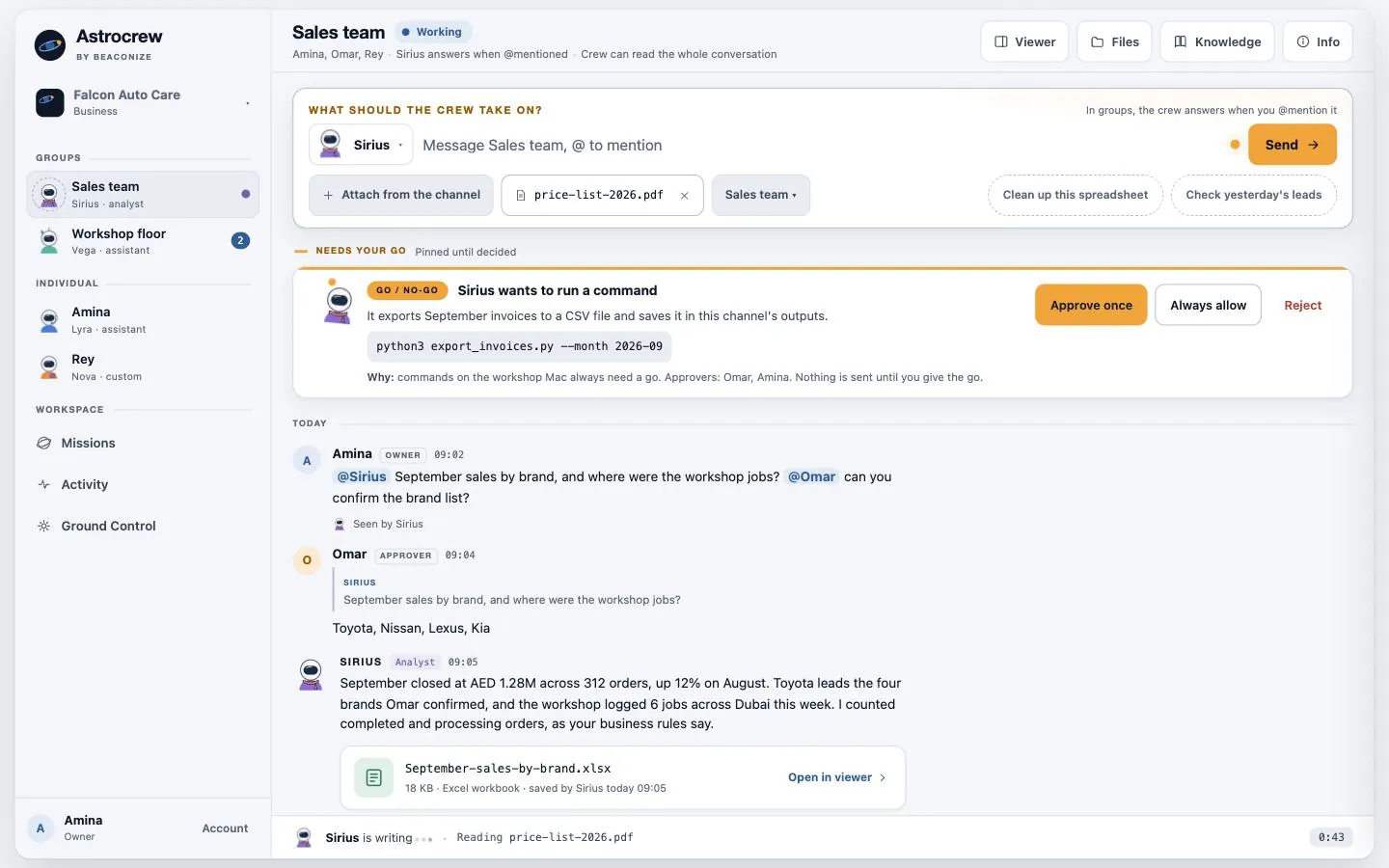
Anything consequential waits for a named approver, confirmed with Face ID. Nothing moves without your go.
Meet the crew
Four crew members cover the work a small team does every day. Each room gets its own crew member, set up for that room's job. The full roster shows every face an agent can wear and the job it does at a real desk.
Comms
"I'll handle the messages."
Wears the cream headset
Analysis
"I'll crunch the numbers."
Carries the violet tool pouch
Creative
"I'll turn this into something presentable."
Wears the coral scarf
Operations
"I'll keep the workflow moving."
Wears the antenna with the beacon tip
Your go
Anything consequential waits for a named approver. The card here is the product's real approval card.
September sales by brand.xlsx
Nothing is sent until you give the go.
Face ID on the approver's phone09:12 · logged
The crew stays inside its room's folders and capabilities. What it may do is set per room, and what it sends out needs a person.
Tell us the desk, the room and the name you want on the door. We'll set the agent up, train it on your room's documents, and hand you the go.
Talk to us